 Zenolab.app

Doodle – Draw on Photos
Draw on Photos – Brushes, Text & Stickers. Turn any photo into your canvas.
At a glance.
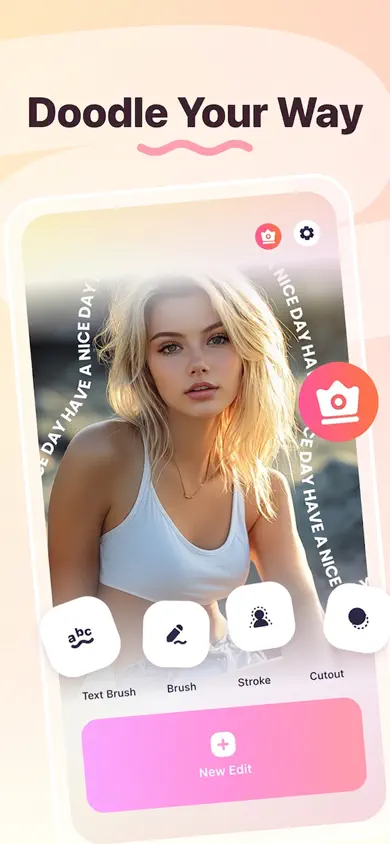
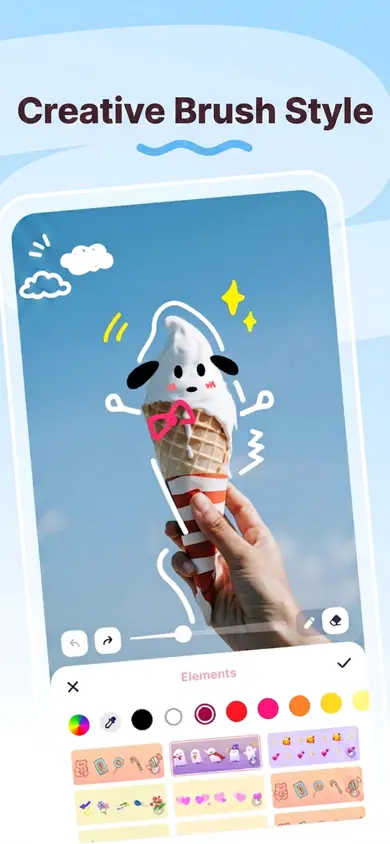
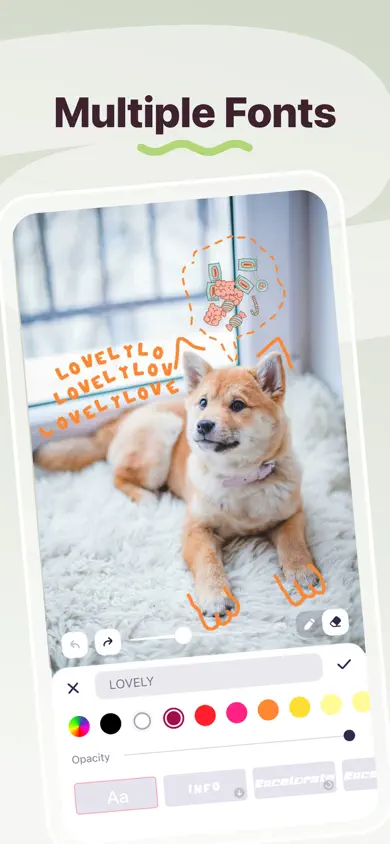
Why Doodle – Draw on Photos
Built for everyday use.
Six Brush Styles
Solid, marker, neon glow, dashed, chalk, and rainbow brushes with smooth strokes that export exactly as you see them.
Text Your Way
Hundreds of downloadable fonts with plain, pill, outline, glow, and gradient styles — plus Text Brush to bend words along any curve.
Stickers & Emoji
Built-in emoji packs, thousands of downloadable stickers, and the option to import your own photos as stickers.
Smart AI Cutout
Separate a person or object from its background in one tap and turn any cutout into an outlined sticker.
Full-Resolution Export
Saves at original resolution with no downscaling — transparent PNG stays transparent, opaque photos export as JPEG. No watermark.
About
About Doodle – Draw on Photos.
Doodle turns any photo into your canvas — the fun, fast way to draw, write, and decorate your pictures, then save them in full resolution and share anywhere. No account, no watermark, and nothing leaves your device unless you share it.
Six brush styles — solid, marker, neon glow, dashed, chalk, and rainbow — produce smooth strokes that export exactly as you see them. One-tap shapes, a whole-stroke eraser, and unlimited undo/redo keep sketching effortless. Hundreds of downloadable fonts and five text styles cover captions, while Text Brush bends any word along a curve you draw.
Built-in emoji packs plus thousands of downloadable stickers, custom photo stickers, and a smart AI cutout that lifts a subject from its background in one tap. Photos save at full original resolution — transparent PNG in, transparent PNG out — making Doodle perfect for markup, annotations, captions, memes, and screenshots.
Information
- Developer
- ZenoLab
- Version
- v1.x
- Category
- Photo & Video
- Platforms
- iOS
- Status
- LATEST
- Store
- App Store
Answers
Frequently asked questions.
Does Doodle add a watermark?
No. Doodle saves and exports your edited photos with no watermark, no account, and no sign-up required.
Does Doodle reduce photo quality?
No. Photos are saved at their full original resolution — never downscaled. Transparent PNGs stay transparent and opaque photos export as JPEG.
What is the AI Cutout feature?
Smart AI Cutout separates a person or object from its background instantly with one tap. You can turn any cutout into an outlined sticker on a fresh background.
What does Doodle Pro unlock?
Doodle Pro is a yearly subscription that unlocks the full toolset — premium brushes, fonts, sticker packs, and background removal.


